
Streamline Billing with Quickbill Billing Benefits

Managing billing can be a complex and time-consuming task for businesses of all sizes. From generating invoices to tracking payments, the process often involves multiple steps that can slow down operations. That’s why I want to share how Quickbill billing benefits can transform your billing process. This software simplifies billing, making it faster, more accurate, and easier to manage.
When you streamline billing, you reduce errors, save time, and improve cash flow. Quickbill software is designed to help businesses achieve these goals with a user-friendly interface and powerful features. Let’s explore how this tool can make a real difference in your daily operations.
Why Quickbill Billing Benefits Matter for Your Business
Billing is the backbone of any business transaction. If it’s inefficient, it affects your revenue and customer satisfaction. Quickbill billing benefits include automation, customization, and real-time tracking. These features help you stay on top of your finances without the usual headaches.
For example, automation means invoices are generated and sent automatically based on your settings. This reduces manual work and the risk of missing deadlines. Customization allows you to tailor invoices to your brand and client needs, creating a professional image. Real-time tracking gives you instant updates on payment status, so you can follow up promptly.
These benefits are not just conveniences. They directly impact your bottom line by speeding up payment cycles and reducing disputes. Quickbill billing benefits help you maintain a smooth cash flow, which is essential for growth and stability.

How Quickbill Billing Benefits Improve Efficiency
Efficiency is key in business operations. Quickbill billing benefits focus on reducing the time and effort spent on billing tasks. The software integrates with your existing systems, so you don’t have to switch between multiple tools. This integration saves time and minimizes errors caused by manual data entry.
The software also supports batch invoicing, allowing you to send multiple invoices at once. This is especially useful for businesses with many clients or recurring billing cycles. You can set up payment reminders and automate follow-ups, ensuring timely payments without extra work.
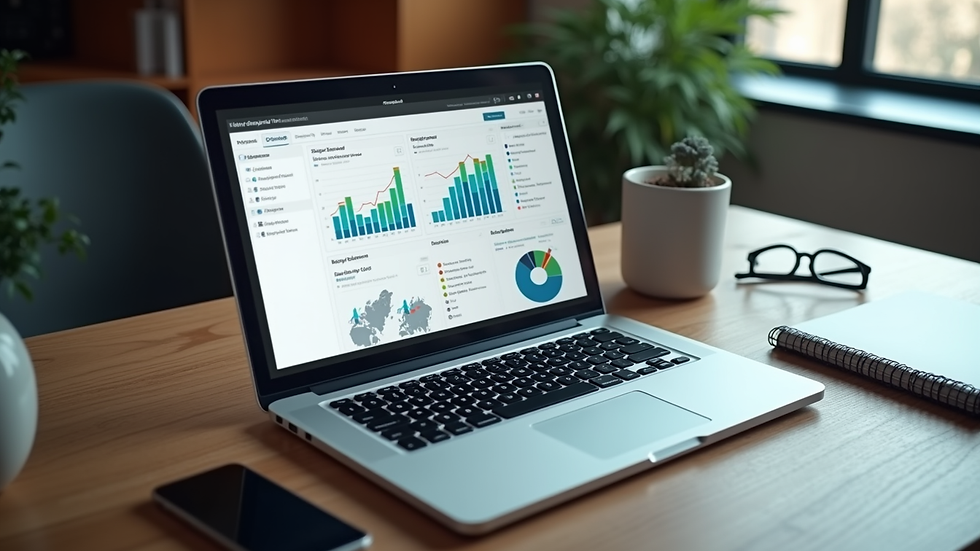
Another efficiency boost comes from detailed reporting. Quickbill provides insights into your billing patterns, outstanding payments, and client history. These reports help you make informed decisions and identify areas for improvement.
By using Quickbill, you can free up your team to focus on more strategic tasks instead of chasing payments or fixing billing mistakes. This shift improves overall productivity and morale.
What is the best legal billing software?
Legal professionals require billing software that handles complex billing arrangements, tracks billable hours accurately, and complies with industry standards. The best legal billing software offers features like time tracking, expense management, and customizable billing rates.
While many options exist, the ideal software should be easy to use and integrate with case management systems. It should also support detailed reporting and client communication tools. These capabilities help law firms maintain transparency and improve client trust.
Choosing the right legal billing software depends on your firm’s size, practice areas, and specific needs. Look for solutions that offer flexibility and scalability to grow with your practice.
Practical Tips to Maximize Quickbill Billing Benefits
To get the most out of Quickbill billing benefits, consider these practical tips:
Set up automated workflows - Use automation for recurring invoices and payment reminders to reduce manual tasks.
Customize your invoices - Add your logo, payment terms, and personalized messages to enhance professionalism.
Regularly review reports - Monitor billing reports to spot trends and address overdue accounts quickly.
Train your team - Ensure everyone involved in billing understands how to use the software effectively.
Integrate with accounting tools - Connect Quickbill with your accounting software for seamless financial management.
Implementing these tips will help you leverage the full power of Quickbill and improve your billing process significantly.
Moving Forward with Streamlined Billing
Streamlining your billing process is a smart move for any business aiming to boost productivity and growth. Quickbill billing benefits offer a comprehensive solution that simplifies billing tasks, reduces errors, and accelerates payments.
By adopting this software, you gain control over your billing operations and free up valuable time. This allows you to focus on what matters most - growing your business and serving your customers better.
If you want to experience these advantages firsthand, explore how quickbill software can fit into your workflow. It’s a step toward smarter, more efficient business management.
Start streamlining your billing today and watch your business thrive.


Comments