
Simplifying Invoicing with QuickBill Billing Software Solutions

Invoicing is a critical part of any business. It ensures you get paid on time and keeps your cash flow steady. But managing invoices manually can be time-consuming and prone to errors. That’s why I want to share how using the right billing software solutions can transform your invoicing process. One tool that stands out is quickbill billing software, designed to make invoicing simple, fast, and accurate.
Why Choose Billing Software Solutions?
Billing software solutions are essential for businesses of all sizes. They automate the invoicing process, reduce mistakes, and save valuable time. Instead of juggling spreadsheets or paper invoices, you can generate professional invoices with just a few clicks. This means fewer delays in payments and better financial management.
Here are some key benefits of using billing software solutions:
Accuracy: Automated calculations reduce errors.
Speed: Create and send invoices quickly.
Organization: Keep all invoices in one place.
Tracking: Monitor payment status easily.
Customization: Tailor invoices to your brand.
Using software also helps you stay compliant with tax regulations by automatically applying the correct tax rates. This is especially helpful for businesses operating in multiple regions.
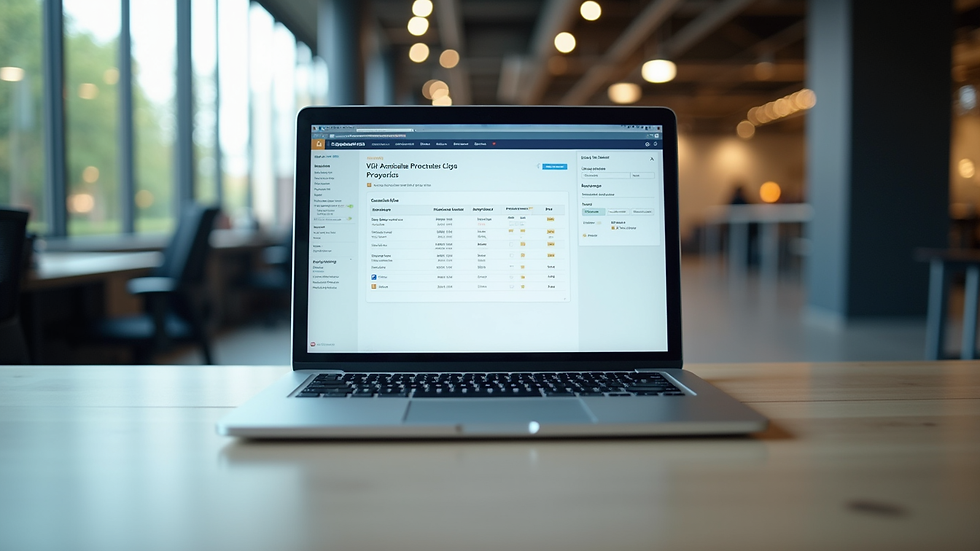
How do I use QuickBill?
Getting started with QuickBill is straightforward. The software is designed with user-friendliness in mind, so you don’t need to be a tech expert to use it. Here’s a simple step-by-step guide:
Sign Up and Set Up Your Account
Create your account and enter your business details. This includes your company name, logo, and contact information.
Add Your Clients
Input your client information or import it from a spreadsheet. This saves time when creating invoices.
Create an Invoice
Select the client, add the products or services, and enter the amounts. QuickBill automatically calculates totals and taxes.
Customize Your Invoice
Choose a template, add payment terms, and include any notes or discounts.
Send the Invoice
Email the invoice directly from the software or download it as a PDF to send manually.
Track Payments
Monitor which invoices are paid, pending, or overdue. QuickBill sends reminders to clients for unpaid invoices.
The interface is clean and intuitive, making it easy to navigate. Plus, QuickBill integrates with other business tools, so you can streamline your entire workflow.

Features That Make QuickBill Stand Out
QuickBill offers a range of features that simplify invoicing and improve business efficiency. Here are some highlights:
Automated Recurring Invoices
Set up recurring invoices for regular clients. This saves time and ensures you never miss billing cycles.
Multi-Currency Support
Perfect for businesses working with international clients. QuickBill handles currency conversions smoothly.
Detailed Reporting
Generate reports on sales, payments, and outstanding invoices. These insights help you make informed decisions.
Mobile Access
Manage your invoices on the go with QuickBill’s mobile-friendly platform.
Secure Data Storage
Your financial data is protected with encryption and regular backups.
These features are designed to help businesses grow by reducing administrative burdens and improving cash flow management.
Tips for Maximizing Your Invoicing Efficiency
To get the most out of your billing software, consider these practical tips:
Keep Client Information Updated
Regularly update client details to avoid sending invoices to the wrong address.
Set Clear Payment Terms
Define payment deadlines and late fees upfront to encourage timely payments.
Use Professional Templates
A well-designed invoice reflects your brand and builds trust with clients.
Automate Reminders
Use software features to send automatic payment reminders and reduce follow-up calls.
Review Reports Regularly
Analyze your invoicing reports to identify trends and improve your billing process.
By following these tips, you can streamline your invoicing and maintain healthy business finances.
Why QuickBill is the Smart Choice for Your Business
Choosing the right billing software is crucial. QuickBill, developed by Madhi Group, aims to be the go-to ERP software for businesses across many industries. It helps streamline operations, boost productivity, and drive growth through efficient and smart management solutions.
With QuickBill, you get a tool that grows with your business. Whether you are a small startup or a large enterprise, it adapts to your needs. The software’s simplicity and powerful features make invoicing less of a chore and more of a strategic advantage.
If you want to simplify your invoicing process and improve your business’s financial health, QuickBill is a solution worth exploring.
Simplifying invoicing is no longer a dream. With the right billing software solutions, you can save time, reduce errors, and get paid faster. QuickBill offers all this and more, making it a valuable asset for any business looking to improve its billing process. Start using QuickBill today and experience the difference smart invoicing can make.


Comments